

Teach the Agent with skills
A skill teaches Cloudzyro Agent how your team works: your brand’s voice, a design system, how you like forms or pages built. The Agent uses a skill whenever it fits what you ask, in every app your workspace builds. Other workspaces never see yours.
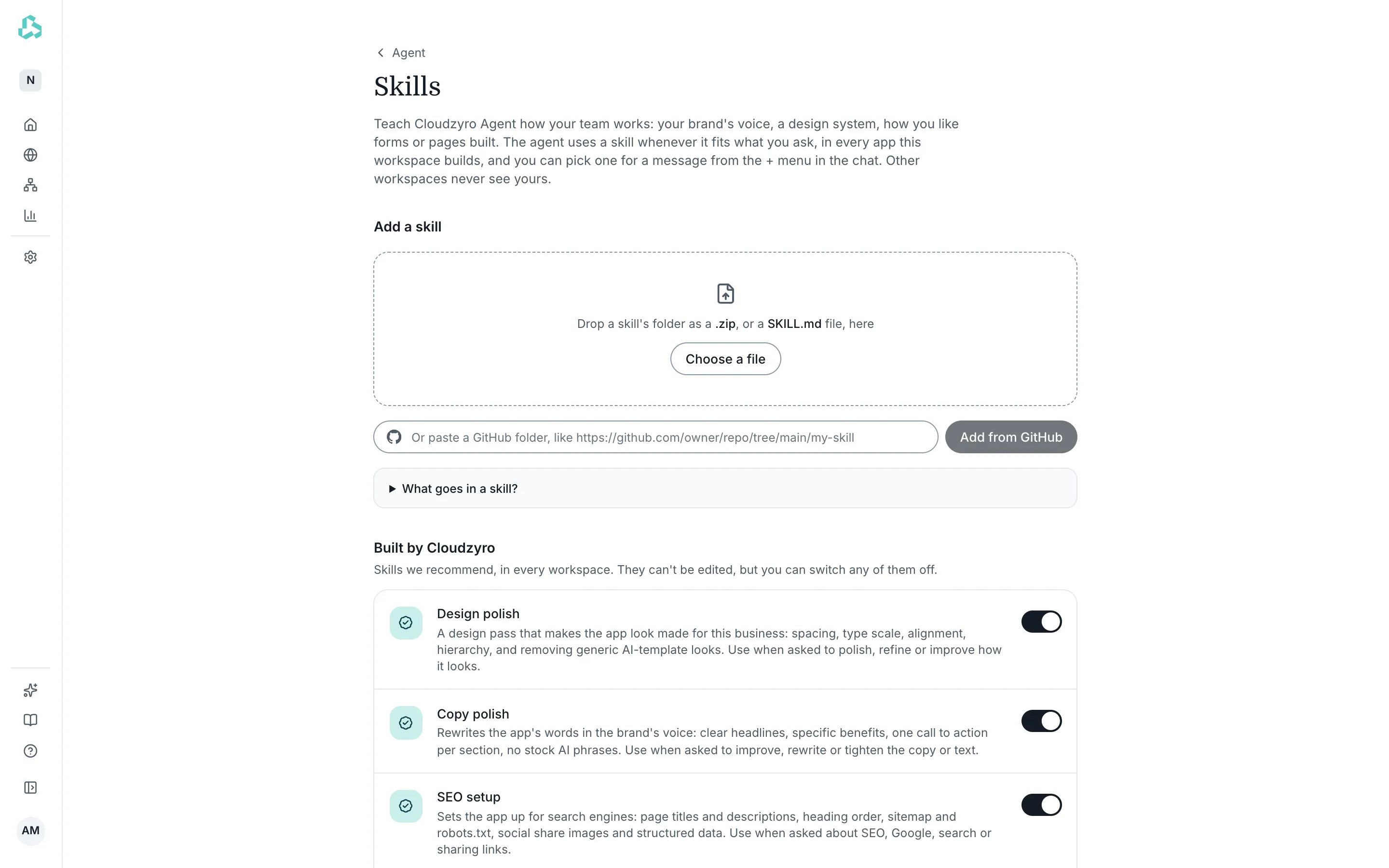
Skills built by Cloudzyro
Section titled “Skills built by Cloudzyro”Every workspace has our own skills, switched on to start with: Design polish, Copy polish, SEO setup, Accessibility check, Mobile check, Speed boost, Launch ready and Brand from a logo. They can’t be edited, but you can switch any of them off on the Skills page.
Add your own skill
Section titled “Add your own skill”A skill is a folder with a SKILL.md file: a name and a description at the top, then the instructions. It can also hold examples, references and pictures.
---name: northwind-voicedescription: Northwind Studio's writing style. Use for any text on our sites.---
Write warmly and plainly. Short sentences. Say "we", never "the company".Prices always include tax.-
In Cloudzyro Agent, select + in the message box, then Skills, then Manage skills.
-
Under Add a skill, drop the skill’s folder as a
.zip, or a singleSKILL.mdfile. Or paste a GitHub folder’s address and select Add from GitHub. -
Your skill appears in the list, switched on.
A skill can have up to 50 files and 2 MB in all: text files and images. Programs and archives inside it aren’t taken. A workspace can have up to 20 skills.
Use a skill for one message
Section titled “Use a skill for one message”In the chat, select +, then Skills, and pick one. Or type @ in the message box. The Agent uses that skill for this message.