

Preview and share your app
While you build, your app runs in a private preview next to the chat. You can open it in its own tab, check it on different screen sizes, and send a link to anyone who should see it before it’s published.
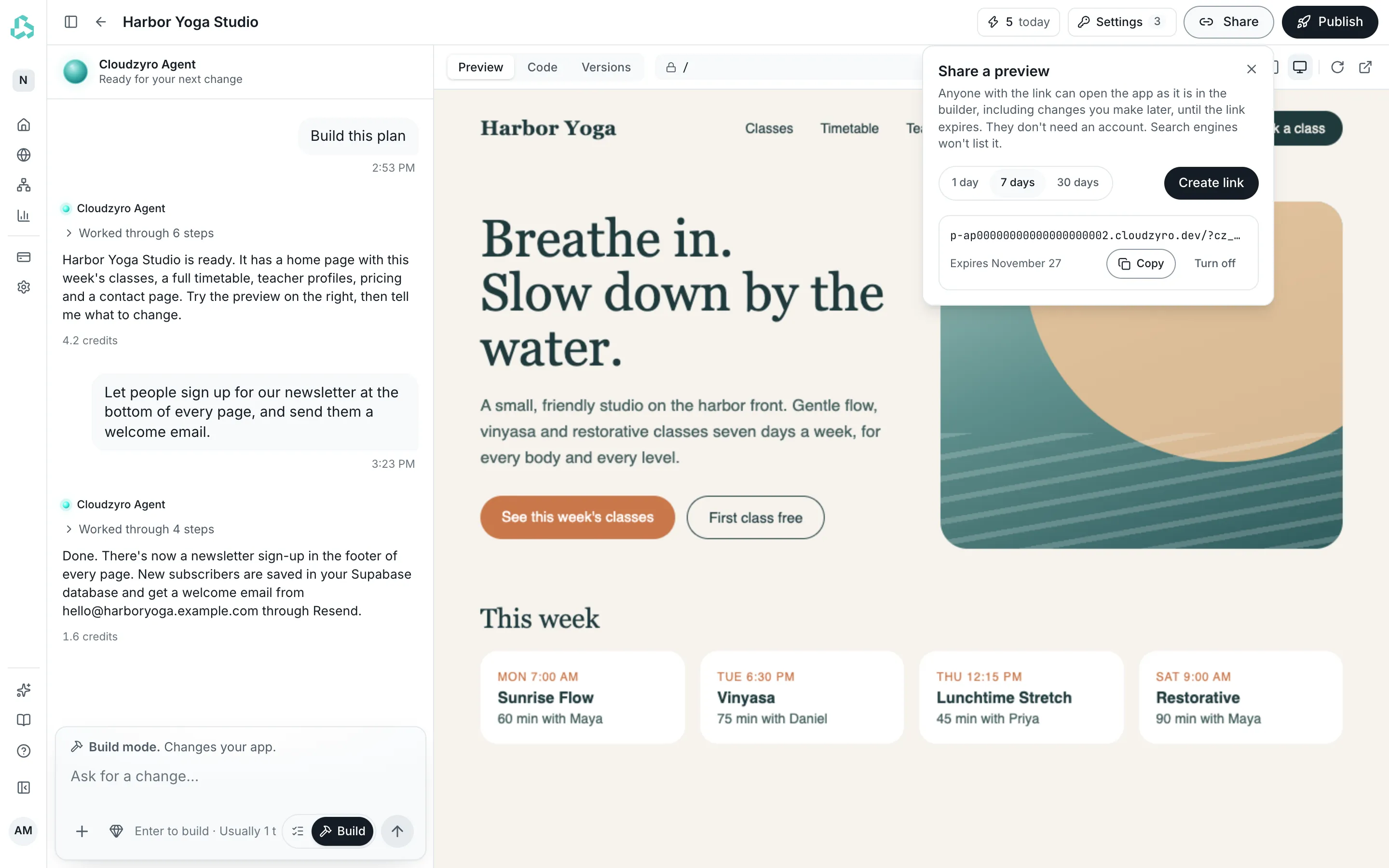
The preview
Section titled “The preview”- The preview runs your app’s latest version on a private address on
cloudzyro.dev. Only people in your workspace can see it, unless you share a link. - Reload restarts the page. Open in a new tab opens the preview on its own.
- Desktop, Tablet and Phone change the preview’s width, so you can check every layout before you publish.
- The page menu in the preview bar moves between your app’s pages. For a presentation, it lists the slides, and Present shows them full screen.
Previews aren’t listed by search engines.
Share a preview
Section titled “Share a preview”Send a link to a client, a colleague or a friend, without publishing.
-
On your app’s page, select Share.
-
Under How long the link works, choose 1, 7 or 30 days.
-
Select Create link, then Copy and send it.
Anyone with the link sees the running preview, with no account needed. They can’t see your chat, code or settings.
- An app can have up to 10 links working at once.
- To stop a link early, select Turn off next to it in Share. It stops working straight away.
- Links stop by themselves when they expire, and when the app is deleted.
When an app rests
Section titled “When an app rests”An app’s preview stops after a while without use: 30 minutes on the Free plan, 2 hours on Pro. It never stops while the Agent is working on it or while someone has it open in the console.
Nothing is lost. Opening the app, sending a message or opening a share link starts it again from its latest version, in a few seconds. If you see This app is asleep, send a change to wake it.