

Buy a domain
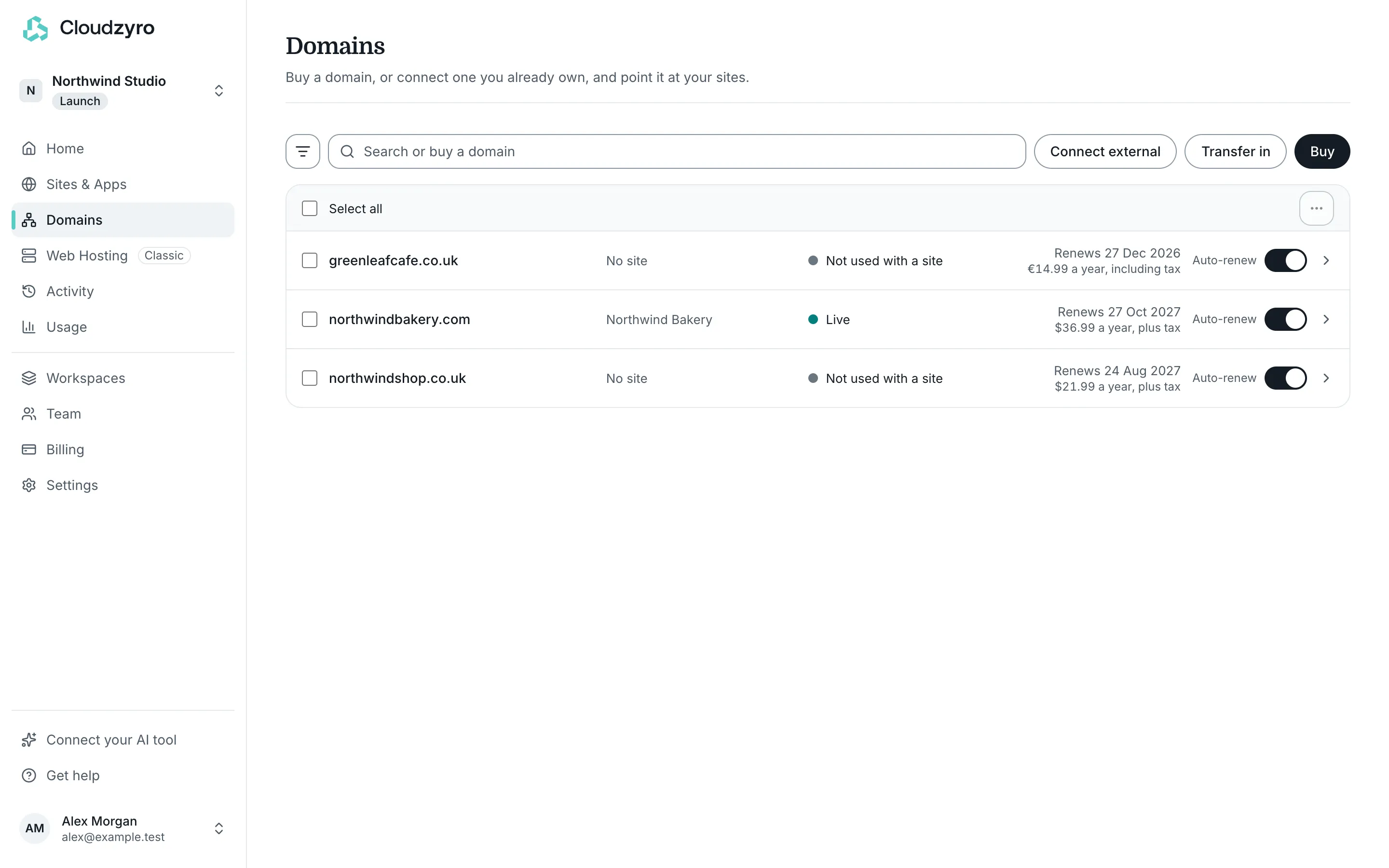
You can buy a domain in the console’s Domains and use it with a Cloudzyro site, your Web Hosting, or anywhere else. Owners and admins of a workspace can buy domains.
Prices
Section titled “Prices”| Extension | Price a year |
|---|---|
| .com | $36.99 |
| .co.uk | $21.99 |
| .uk | $21.99 |
| .net | $41.99 |
| .org | $42.99 |
| .io | $145.99 |
Prices are plus tax. You pay in your own currency: the checkout converts the price and shows the total, including tax, before you pay. Renewals cost the same each year.
Buy a domain
Section titled “Buy a domain”-
In the console, open Domains and click Buy. You can also type a name in the Search or buy a domain box and click Check if mybakery.com is available (with your name in it).
-
Type the name you’d like, such as
mybakeryormybakery.co.uk, and click Search. We check .com, .co.uk, .uk, .net, .org and .io. -
Click Choose next to an Available domain.
-
Under Register for, choose how many years, from 1 to 10.
-
Under What’s it for?, choose one:
- A Cloudzyro site: pick the site, and we point the domain at it. Nothing to set up.
- My Web Hosting (if your workspace has Web Hosting): it uses
ns1andns2.cloudzyroserver.com. Add it to your hosting in cPanel afterwards. - Decide later: choose on the domain’s page whenever you’re ready.
-
Under Who owns it, enter the owner’s details (see below) and click Continue.
-
Check the summary, tick the box to confirm the details and accept the registration agreement and terms, then click Pay and register.
-
Pay in the secure checkout.
Once you’ve paid, we register the domain. It shows in your list within a minute or two, and we email you when it’s done. If you chose a site, it usually goes live there within a few minutes after that.
A domain marked Premium name is available only at a special price, which we don’t sell yet. Taken means someone else has registered it.
Owner details
Section titled “Owner details”The domain registry needs the owner’s details: first and last name, an optional company or organisation, address, town or city, postcode, country, email and phone. We keep them for your next domain, and you can change them later on the domain’s page.
Use an email address you check. The registry may email it to confirm it’s real, and it’s where transfer codes are sent.
For .uk and .co.uk domains, you also choose who the domain is for, such as UK individual, UK sole trader or UK limited company. For a company or charity, enter its registered number.
Renewals
Section titled “Renewals”Domains renew every year, charged 7 days before they expire to the card you paid with, at the same price plus tax. Auto-renew is on when you buy. You can turn it off at any time on the domain’s page or in the Domains list; the domain then expires on its date.
Domain registrations aren’t refundable.
See Renew a domain or move it away for more, and Choose what a domain is for to change where it points after buying.